Destinations
Does eSIM work in Mexico
Updated October 2026
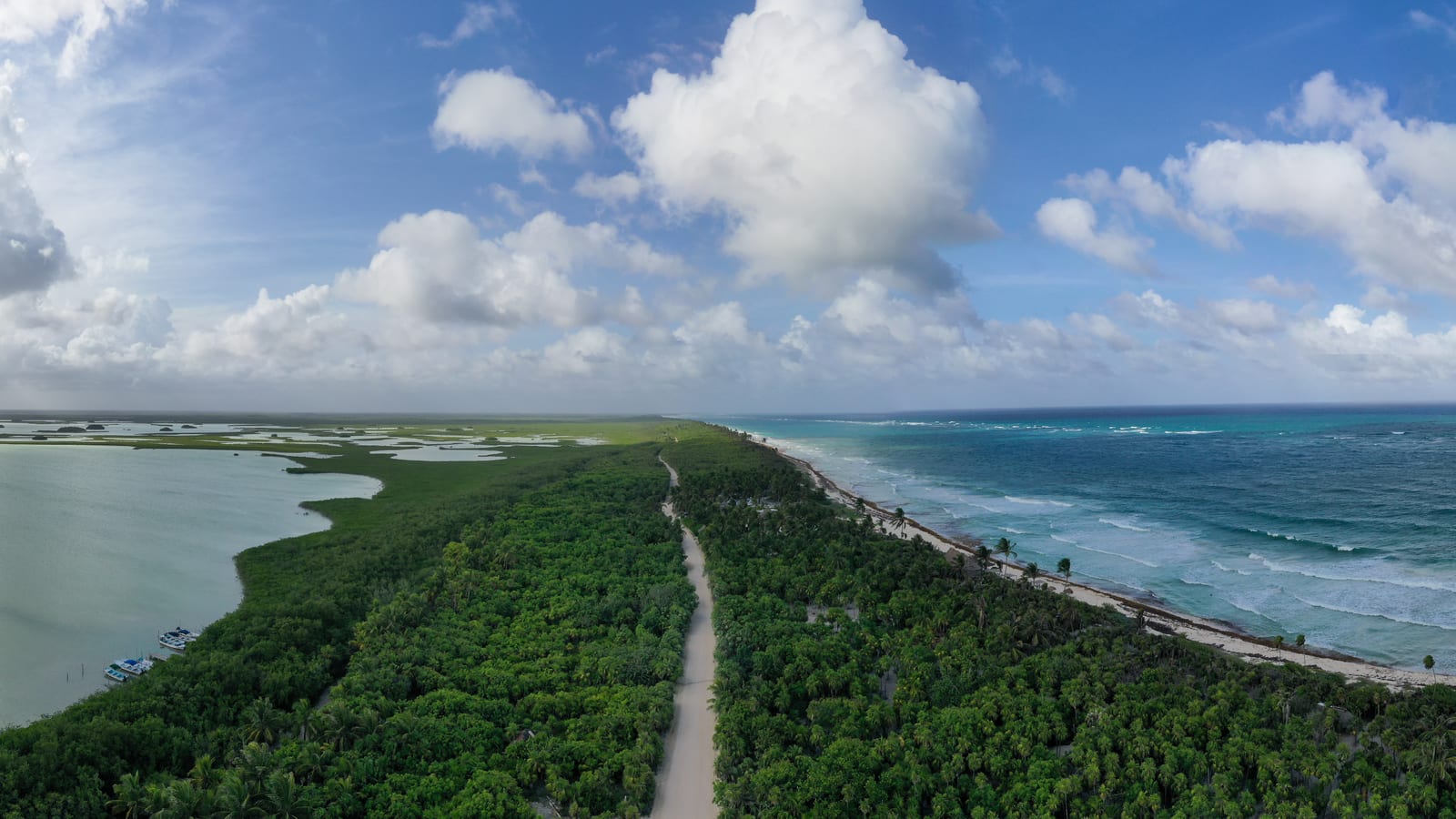
Yes, eSIM works in Mexico when your phone supports eSIM, is network-unlocked and your chosen plan covers Mexico. A travel data eSIM can handle directions, messages, bookings and ride-hail requests without swapping out your usual SIM. It is particularly handy for the gap between leaving airport Wi-Fi and finding the accommodation.
Mexico is not one identical coverage area, though. A city break, a resort stay and a road trip put different demands on the phone. Check the plan’s networks, save the essential information offline and install before you leave. The connection should help you enjoy the journey, not become another destination on the itinerary.
What does your phone need?
Check eSIM support for the exact model and region where your phone was bought. Then check that it is unlocked for another provider. Supporting eSIM and being network-unlocked are separate requirements; having one does not politely arrange the other for you.
On an iPhone, look for the option to add an eSIM under Mobile Data or Cellular. In Settings, General, About, check the network-provider lock status too. If you are unsure about a regional variant, use the manufacturer’s guidance or ask the provider before purchasing. Android menus vary, so follow the instructions for your own model.
Keep the installation instructions and order confirmation accessible on another device or offline. If the phone is locked or incompatible, sort that out before the flight. It is much easier to ask a clear question from home than from a terminal with a transfer waiting outside.
Which networks can a Mexico eSIM use?
The live Mexico eSIM page, checked on 7 October 2026, lists Telcel and AT&T in its plan details. Read the network list for the selected package rather than assuming every Mexico eSIM uses the same operators. Different providers and plans can have different arrangements.
A named network is useful information, not a guarantee of reception on every road or in every room. Check the places you will actually visit, especially if the trip includes rural stretches or time well away from populated areas. An itinerary centred on Mexico City is a different coverage question from a long coastal drive.
Available speed also depends on the phone, network and local conditions. Do not treat a 5G label as a promise of maximum speed everywhere. What matters for most travel jobs is being able to open the directions or send the message when you need it.
How should you check Telcel coverage for your route?

Use Telcel’s coverage maps, checked on 7 October 2026, as a starting point for the areas you will visit. Telcel explains that terrain, weather, buildings and device characteristics can affect the experience. Its map is not a promise of an uninterrupted signal throughout your trip.
Check accommodation locations and important travel stretches, not just the city name at the top of the booking. If you are planning an excursion, save the meeting point, return arrangements and organiser’s details before setting off. Keep those readable without a mobile connection.
For a road trip, prepare offline maps where your mapping service supports them and confirm they open without data. A route loaded once on Wi-Fi is not necessarily the same thing as an offline map. Test the preparation before leaving, while fixing it is still a small job.
Should you rely on resort Wi-Fi instead?
Wi-Fi can be a useful companion to mobile data. Use it where available for larger downloads, music, video and photo backups. That keeps more of a fixed allowance available for directions and messages once you leave the accommodation.
It is less useful as your only plan for a day out. The hotel connection does not come along in the taxi, on an excursion or while you are walking somewhere unfamiliar. You may also need to log in again or move to a better spot before a Wi-Fi connection works reliably.
Save essential bookings locally and keep a mobile allowance sized to your habits. That combination gives you options without requiring a vast plan for every quiet beach stay. If most heavy phone use happens back at the accommodation, a smaller fixed allowance may be perfectly sensible.
When should you install and activate the eSIM?
Install on reliable Wi-Fi before travelling. Label the new line Mexico Travel, or something equally obvious, and save the setup instructions. The linked Halo plans activate on first network connection at the destination rather than on purchase, so installation can be done in advance. Confirm the rule for whichever provider and plan you select.
When you arrive, select the travel line for mobile data and follow its data-roaming instructions. Keep data roaming off on your home line and disable automatic mobile-data switching if you want to prevent a fallback to your usual plan. Give the phone time to register on a supported network.
Read how it works before departure. If the trip also includes the United States, Canada or another country, check that stop separately. A Mexico plan should not be assumed to cover the next border just because the same phone crosses it.
How does mobile data help with rides and finding an ATM?

For ride-hail services where available, data helps you request a journey, check the pickup point and receive messages about the driver. Save the accommodation address as text, not just a pin, so you can recognise it and share it if needed. Check the meeting point rather than assuming the nearest doorway is the right one.
Mobile data can also help locate a bank’s ATM or check its published branch information. It does not make a map listing infallible, confirm that a machine is working or replace the checks you would normally make before using one. Keep the practical information handy and use the bank’s own information where possible.
If a service asks for an SMS verification code, a data-only travel eSIM does not supply a Mexican phone number. Check your login access before departure and keep your usual number available if appropriate. Your home provider’s call and text charges still apply under its own terms.
How much data should you choose?
For maps, messages and occasional searches alongside accommodation Wi-Fi, consider a fixed allowance such as 3 GB and check its validity period. Treat that as a planning option, not a prediction of every traveller’s usage. Regular uploads, video calls or a shared connection can justify more data.
Halo adds no separate hotspot cap, but availability depends on the plan and local network. Shared usage draws from the same allowance, so pause laptop updates and background backups if you do not need them. Check the selected plan’s details before depending on tethering for work.
For current totals, see current prices on the Mexico page. Choose for the whole trip, including travel days, then save the important addresses and routes. Once that is sorted, there should be rather more time for the beach road, the city streets and wherever tomorrow takes you.
Common questions
- Will a Mexico data eSIM give me a Mexican SMS number?
- No. The linked Halo plans provide data without traditional calls, texts or a Mexican number. Check how your ride-hail or banking login receives verification codes before travelling.
- Can resort Wi-Fi replace mobile data for an excursion?
- It can help with downloads at the accommodation, but it does not follow you on the excursion. Keep meeting points, return arrangements and booking details offline, plus a mobile allowance for use away from Wi-Fi.
- Does a Mexico plan cover a later stop in the United States?
- Do not assume it does. Check the selected plan’s included countries. A separate destination plan or a regional plan explicitly covering both countries may suit that itinerary.